Google Translate Widget
Explore the fundamentals of artificial intelligence, its applications across industries, ethical considerations, and future developments in this comprehensive guide.

Table of Contents
⏳ Google Translate Widget
This universal widget shows a live countdown to any date and time. It’s perfect for launches, sales, and events. Just copy and paste the code into your site — no dependencies required.
🛠 How to Use
This widget works on Blogger, WordPress, Wix, Astro, Next.js, and any website that supports HTML, CSS, and JS.
HTML
Paste where you want the timer to appear:
<p id="countdown">00d 00h 00m 00s</p>CSS
Paste inside <style> tag (usually in <head>):
<style>
  #countdown {
    font-size: 1.5rem;
    font-weight: bold;
    text-align: center;
    margin: 1rem 0;
  }
</style>
JavaScript
Paste before the closing </body> tag:
<script>
  const countdown = document.getElementById("countdown");
  const targetDate = new Date("2025-12-31T23:59:59").getTime();

  function updateCountdown() {
    const now = new Date().getTime();
    const distance = targetDate - now;

    if (distance < 0) {
      countdown.textContent = "Expired";
      return;
    }

    const days = Math.floor(distance / (1000 * 60 * 60 * 24));
    const hours = Math.floor((distance % (1000 * 60 * 60 * 24)) / (1000 * 60 * 60));
    const minutes = Math.floor((distance % (1000 * 60 * 60)) / (1000 * 60));
    const seconds = Math.floor((distance % (1000 * 60)) / 1000);

    countdown.textContent = `${days}d ${hours}h ${minutes}m ${seconds}s`;
  }

  updateCountdown();
  setInterval(updateCountdown, 1000);
</script>
🧠 Notes
- Change the
targetDateto match your event deadline. - You can reuse the widget anywhere — it’s 100% portable.
- Works even in iframes or low-code platforms.
Related Posts

Getting Started with Modern Web Development
Learn the fundamentals of modern web development with this comprehensive guide covering HTML, CSS, JavaScript, and popular frameworks.
Getting Started with Astro - Part 1: Introduction and Setup
Learn what Astro is, why it's gaining popularity, and how to set up your first Astro project in this comprehensive introduction.
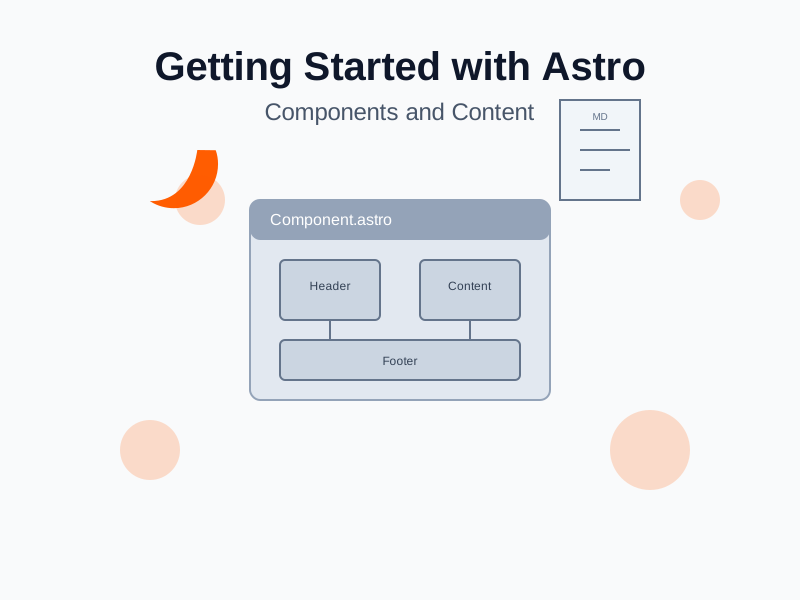
Getting Started with Astro - Part 2: Components and Content
Learn how to create reusable components in Astro and manage content with Markdown and data fetching capabilities.